
login
|























-
Welcom to Clavin!
In case you were wondering, the app is name after "Cliff Clavin", the postman from the show Cheers. -
In the library section you can browse all the images in the system.
-
You can search for images by: Isbn, Region, Date Range
-
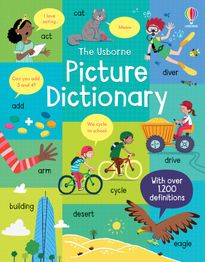
Please click on this image. Its information will be shown shortly on the right side of the page.
-
The information will contain:
- File specs: ISBN, version, region, size, dimensions, type...
- File history: Upload time, deliveries, any failed attempts to deliver the image...
-
Sometimes you may have to resend an image to a corresponding recipient. To do so:
-
You can select more than one image by holding down the CTRL key while clicking on an image. Thumbnails of selected images will appear here.
-
Once you have selected the images you want, you can select a specific recipient to re-send the image to.
-
Conclusion:
We hope you enjoy using Clavin as much as we have enjoyed building it. If you have any questions or especially ideas on how we can improve the application please send them to us, we would love to hear them.
